
Carte: Digitizing Networking with On-Device Intelligence
“An iOS app that turns paper clutter into a secure network using local Apple Intelligence. Built to prove that powerful AI utilities can exist entirely on-device without compromising UI elegance.”
How might we digitize cards without sending sensitive data to the cloud?
Privacy-first Apple Intelligence scanner that doesn't send your data outside your phone.
#4 in App Store Business Category.
Overview
Carte transforms physical business cards into a searchable, privacy-first digital network. As a solo project, I owned the entire product lifecycle—from user research and design to development and App Store launch.
Background

The Problem: At an international conference, I collected dozens of business cards from diplomats and delegates—then couldn't find the right one when I needed it. This personal frustration revealed a broader issue: professional networking in 2025 is still frustratingly manual.
Market Context: 27 million business cards are printed daily in the U.S., with most becoming clutter within weeks. Professionals lack effective tools to organize, search, and activate their networks.
Design Opportunity: Existing solutions either focus narrowly on scanning OR push fully-digital alternatives requiring mass adoption. The gap? A bridge between physical cards and intelligent relationship management.
Empathize
My Experience

Collecting dozens of cards at conferences revealed the core insight: the problem isn't storage—it's turning scattered contacts into an active, searchable network that delivers professional value.
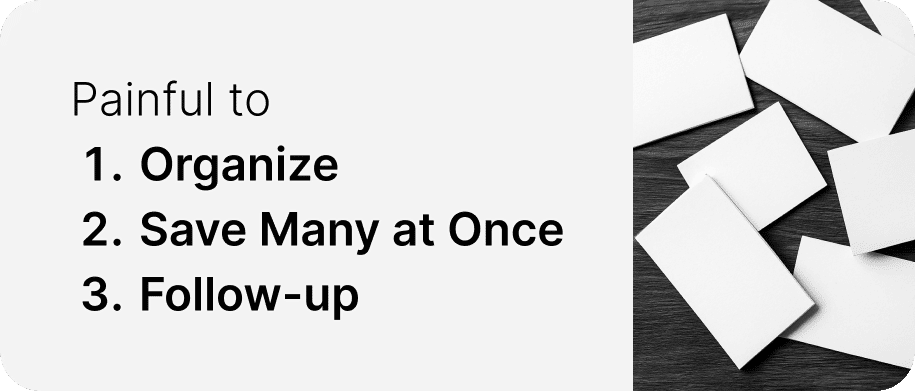
Pain Points Identified
Desk research
Competitive Analysis
.png?updatedAt=1759642163251)
I mapped existing business card solutions across scanning capability, relationship management, and user experience.
Key finding: No solution connects instant capture with long-term relationship management while staying simple for busy professionals.
User interview

I conducted casual interviews with 8 professionals—including conference attendees, consultants, and organization reps—to validate my assumptions.
Key Insights:
Ideate
Design Principles
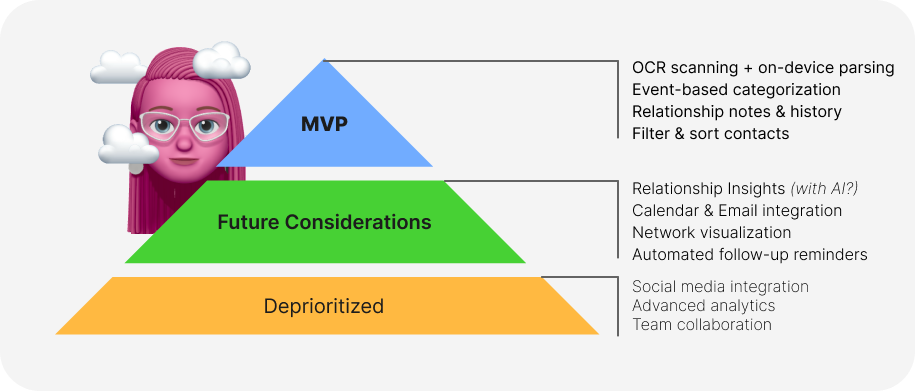
Feature Prioritization
Core User Flows
1. Contact Capture: Photo → OCR → Add context (event, notes) → Save
2. Contact Management: Search → Filter → View profile with history → Organize
3. Network Activation: Review reminders → Spot opportunities → Track relationships
Prototype
Design Philosophy
Mobile-first design optimized for one-handed use at events, with:
Technical Innovation: Privacy-First Parsing

Design Challenge: Traditional OCR fails on complex layouts and compromises privacy by sending data to cloud servers.
Solution: I designed a two-stage pipeline using Vision Framework for OCR + on-device Foundation Models (Apple Intelligence) for semantic parsing—keeping all sensitive data on the user's iPhone.
Impact: Accurate parsing across languages/formats while maintaining 100% privacy compliance.
Final result
Shipped Features
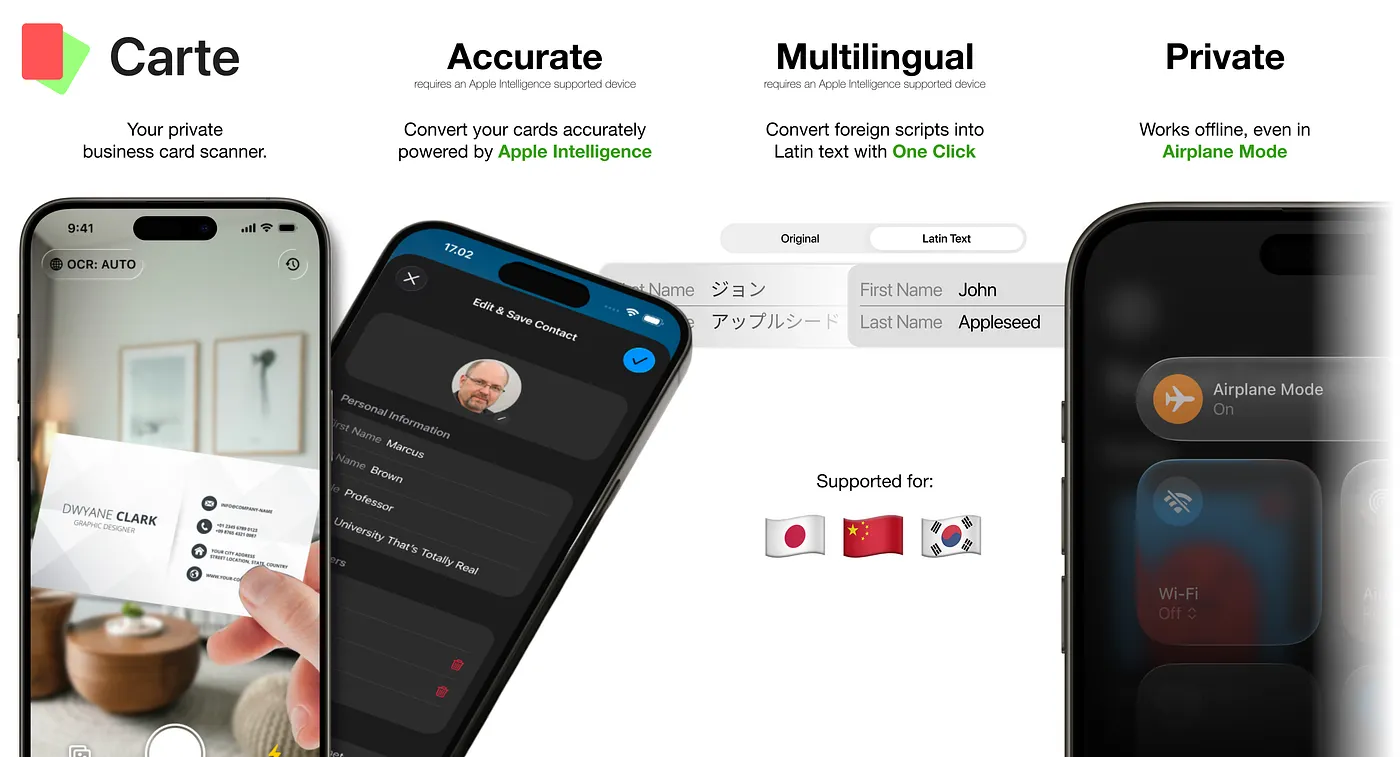
✅ Privacy-First Parsing: One-tap capture with on-device AI—no data leaves the device
✅ Smart Organization: Tag by event/project with powerful contextual search
✅ Latinization Support: Convert Chinese/Japanese/Korean scripts for easier search
✅ Meeting Context: Auto-capture where and when contacts were met
✅ One-Click Follow-Up: Direct integration with Mail, WhatsApp, Messages
✅ Transparent Onboarding: Clear messaging about privacy and Apple Intelligence requirements
Market Positioning
Target: iOS 26 + Apple Intelligence users (iPhone 15 Pro+, iPhone 16 series)
Status: Live on App Store
Achievement: First-mover in Offline AI-powered, privacy-first contact management
Reflections
What Worked
What I'd Improve

Key Learnings
Future Vision
The Takeaway: Powerful product design doesn't always replace analog rituals—it makes them dramatically more effective.