
When people talk about drawing on iPad, one app consistently leads: Procreate. Its success isn’t just about features — it’s about designing for the iPad’s strengths. Below, I break down what Procreate got right and the product principles I took from it as a designer.
When Desktop Thinking Meets Mobile Reality
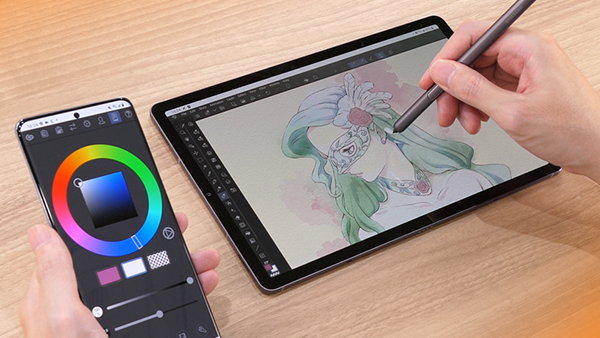
I’ve used Clip Studio Paint (CSP) since 2016 and loved its desktop experience: precise line tools, smooth coloring workflows, and a deep brush library. But when CSP arrived on iPad, it felt like a desktop app squeezed into a smaller screen — dense menus, tiny icons, floating panels. It needed a stylus and often a keyboard to feel usable.

The core issue was simple: it wasn’t rethought for a touch-first environment. Instead of leveraging the iPad’s strengths, it tried to replicate the desktop experience — and the friction was obvious.
Procreate: Built for iPad, Not Just on iPad

Procreate, released in 2011, approached the platform differently. It wasn’t a port — it was built for iPad from day one. That philosophy shows up everywhere:
These decisions transform Procreate from a drawing tool into a frictionless creative experience. It doesn’t just run on iPad — it feels like it belongs there.
Even Pricing Reflects Product Philosophy
Design isn’t limited to interfaces — it’s also about how people access your product.
CSP introduced a subscription model for iPad, even for users who had already purchased the desktop version. Later, its desktop 2.0 upgrade required another payment or ongoing subscription — more friction, more hesitation.

Procreate, on the other hand, is a one-time purchase. Pay once, get lifetime updates. That simplicity builds trust and aligns with the product’s overall philosophy: stay out of the user’s way.

Great Product Design Honors the Platform
The difference between CSP and Procreate reveals a core product principle:
Design should amplify a platform’s strengths, not fight against them.
Procreate succeeds because it prioritizes speed, simplicity, and seamless interaction. It deliberately leaves out anything that could disrupt the creative flow.
CSP’s mobile version brought over its full desktop toolbox without asking if users needed all of it in the same way. That’s a classic case of feature parity over experience parity — and a reminder that context-aware adaptation is more valuable than completeness.
Why Native Design Always Wins
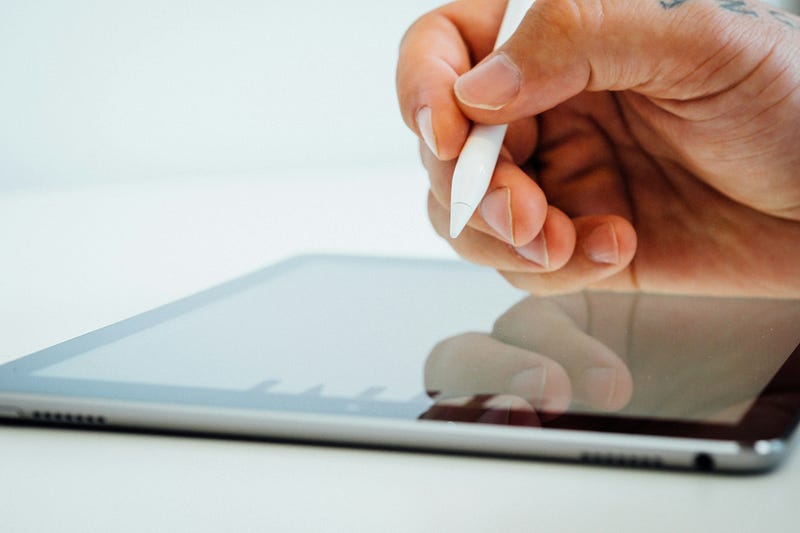
Today, I still use CSP for specific workflows — but when I want to draw, I instinctively reach for my iPad and open Procreate. Its success is rooted in one truth: it was designed for iPad, not despite it.
By embracing the platform’s nature instead of bending it to fit an existing product, Procreate created something that feels less like software and more like an extension of the creative process itself.
For me, Procreate is more than a drawing app — it’s a masterclass in product thinking. It shows that when we honor the platform, adapt to the context, and focus on what truly matters, we create experiences that don’t just work — they resonate.